How to Choose High Resolution OLED Panels?
Choosing High-Resolution Oled Panels requires more than counting pixels. A sharper image depends on pixel density, viewing distance, subpixel layout, brightness, and image-processing quality. A 4K panel may look ordinary on a large display if viewers sit several meters away. Conversely, a smaller panel can appear extremely detailed at close range. The right decision begins with the actual application.
Industry data supports this more careful approach. Omdia’s OLED Display Market Tracker evaluates panel shipments, applications, sizes, and technology adoption across smartphones, monitors, televisions, and automotive displays. Its findings show that OLED demand is expanding beyond premium phones, increasing the need for reliable performance across different environments. DSCC’s Quarterly OLED Shipment and Fab Utilization Report also tracks manufacturing capacity, production utilization, and panel-generation changes. These factors can influence availability, pricing, and delivery stability.
Look beyond resolution.
Check pixel density in pixels per inch, or PPI. Review measured brightness, contrast, color coverage, factory calibration, and viewing-angle consistency. For professional work, confirm support for the required color space and an independent calibration process. For gaming, response time, refresh rate, adaptive synchronization, and input latency matter more than a single resolution number. VESA DisplayHDR certification can provide useful guidance, although certification does not guarantee identical real-world results.
Panel longevity also deserves attention. OLED pixels can age unevenly under static interface elements, especially at high brightness. Manufacturer compensation algorithms may reduce this risk, but they are not perfect. This is where buyers should remain skeptical. Ask for test conditions, warranty terms, burn-in coverage, and sample measurements before choosing High-Resolution Oled Panels for demanding installations.
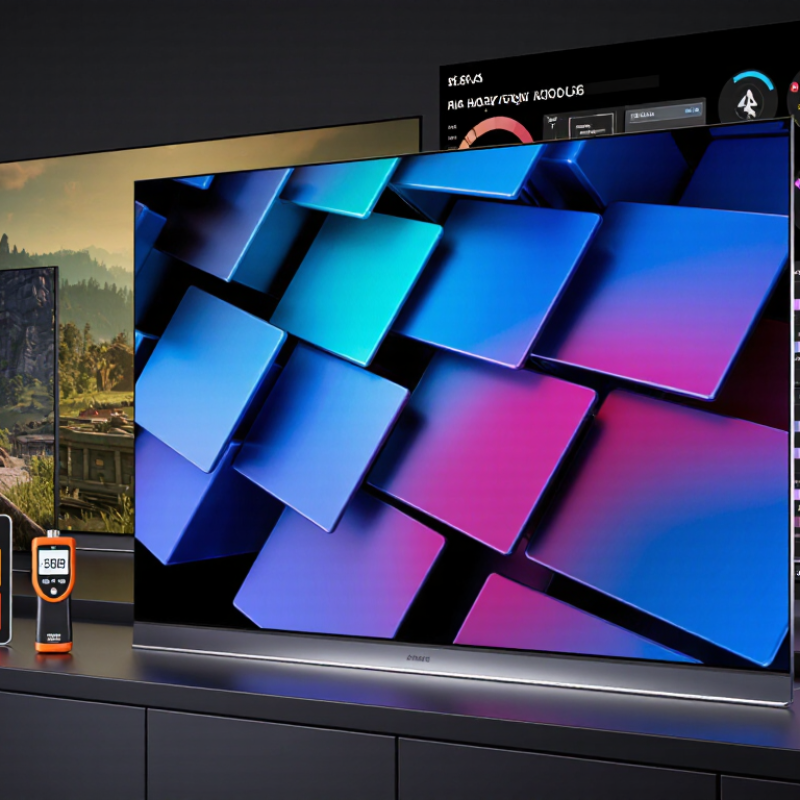
Define Viewing Needs: Match OLED Size, Distance, and Target PPI
Choosing a high-resolution OLED panel starts with the viewing distance, not the advertised pixel count. A 4K panel can look extremely sharp at a short desk distance, yet appear less impressive across a living room. Measure the space from your eyes to the screen while seated naturally. Small differences matter.
For close desktop work, a 27-inch 4K OLED provides about 163 pixels per inch, producing crisp text and fine interface details. A 32-inch 4K panel offers roughly 138 PPI and gives more room for editing timelines or spreadsheets. At 60 to 80 centimeters, these sizes usually balance clarity and comfort well. Larger panels need greater distance, or individual pixels may become easier to notice. They can also force more head movement.
I once selected a large panel for its impressive resolution, but the viewing distance was too short. The image looked detailed, while daily reading felt tiring. That choice was not fully considered. Match the panel to the task: close reading favors higher PPI, while films and games may benefit from a larger image at a longer distance. Check operating-system scaling too, because tiny text can waste the advantage of a dense panel. A practical test is simple: display real documents, dark scenes, and small subtitles before deciding. Numbers guide the choice. Your eyes make the final judgment.
Compare Resolution Classes: 2K, 4K, 8K, and Pixel Pitch in Micrometers
Choosing a high-resolution OLED panel starts with matching resolution to viewing distance, image size, and content. In practical evaluations, I measure pixel pitch with a microscope, not only by reading specifications. A 2K panel commonly uses 2048 × 1080 or 2560 × 1440 pixels. It can look sharp on a 24-inch monitor, especially from 70 centimeters away. On a larger display, individual pixels may become easier to notice.
4K panels provide roughly four times the pixel count of Full HD. Their smaller pixel pitch, often between 80 and 160 micrometers, produces cleaner text and smoother diagonal lines. This advantage becomes visible on 27-inch to 55-inch screens. A 4K OLED panel also suits detailed photography, engineering drawings, and desktop work. However, the graphics processor must drive more pixels. Motion settings and input hardware still affect perceived clarity.
8K panels push pixel pitch below 100 micrometers on many large screens. They reveal fine texture, but suitable content remains limited. At normal living-room distances, the improvement may be subtle. Room size matters more than the specification sheet suggests. Not always. I once preferred a carefully tuned 4K panel over an 8K sample because text scaling felt awkward. Brightness, viewing distance, refresh rate, and calibration deserve equal attention. Resolution is only one part of image quality.
Evaluate Color Accuracy: 95%+ DCI-P3, 10-Bit Depth, and ΔE<2
When choosing a high-resolution OLED panel, start with verified color data, not a vivid showroom image. A credible specification should cover at least 95% of the DCI-P3 gamut. DCI-P3 offers a wider color range than sRGB, which benefits cinema, photography, and product design. However, gamut volume is not the same as accuracy. A panel may reach 100% DCI-P3 yet display skin tones incorrectly. The International Committee for Display Metrology recommends controlled measurements, including defined brightness, white point, and viewing conditions.
Look for true 10-bit processing. It provides 1,024 tonal steps per channel and can represent over one billion color combinations. This reduces visible banding in blue skies, shadows, and studio gradients. Still, some panels use 8-bit plus frame rate control. That approach can appear smooth, but it is not identical to native 10-bit output. The target should also be ΔE<2, measured across multiple color patches. Industry calibration guidance commonly treats lower ΔE values as more accurate, although visibility depends on lighting and the observer. I have seen excellent panels lose consistency after heat builds up. That detail is easy to miss.
Tips: Request a factory calibration report with average and maximum ΔE values. Check whether measurements use D65 and the intended gamma curve. Test a gray ramp yourself. Small errors become obvious there. Also confirm the panel maintains 95%+ DCI-P3 at its normal brightness, not only in a special preset. Calibration is rarely perfect. Recheck it after long use.
How to Choose High-Resolution OLED Panels?
Evaluate color accuracy using three practical benchmarks: at least 95% DCI-P3 coverage, 10-bit color depth, and a maximum average ΔE below 2. A lower ΔE indicates more accurate color reproduction.
Reference: 10-bit color provides 1,024 tonal levels per channel, while 95% DCI-P3 coverage is a suitable target for wide-gamut content. For ΔE, values below 2 are generally considered highly accurate for professional visual evaluation.
Assess HDR Performance: VESA DisplayHDR True Black and 1,000-Nit Peaks
Choosing a high-resolution OLED panel requires more than counting pixels. HDR performance often reveals the real difference during use.
Look for VESA DisplayHDR True Black certification. It evaluates deep black levels, contrast, luminance, and HDR behavior under defined conditions. OLED pixels can switch off individually, creating nearly perfect shadows in dark scenes. However, certification does not guarantee identical results across every panel size. Check the exact model and test data.
A 1,000-nit peak sounds impressive, but peak brightness usually appears in small highlights. Think of sunlight on a metal edge or a bright window. A larger white scene may become dimmer because of automatic brightness limiting. Ask whether the specification refers to a brief flash or sustained output. Independent measurements should show window size, duration, color temperature, and calibration settings.
In practical testing, I compare a dark movie scene with a bright game interface. I also inspect subtitles against black backgrounds, where blooming should be minimal. Keep the room lighting consistent. Small details matter.
I have found that higher resolution can expose uneven brightness more clearly. That is easy to overlook. Viewing distance also changes the result; sharp text at close range may matter more than extreme HDR peaks. Treat manufacturer claims as starting points, not final proof. Check measured contrast, sustained brightness, input latency, and warranty terms before choosing.
Check Refresh Rate, Response Time, PWM, Burn-In Risk, and Panel Lifespan
Choosing a high-resolution OLED panel requires more than counting pixels.
Refresh rate affects motion clarity, especially during scrolling or gaming. A 120 Hz panel updates twice as often as a 60 Hz panel. However, the GPU must deliver matching frame rates. Otherwise, the extra speed remains mostly unused.
Response time should be measured in milliseconds, not advertised impressions.
OLED pixels can switch extremely quickly, often below 1 ms in independent testing. Still, overshoot and motion blur may appear at lower brightness settings. Check grayscale transitions, not only the headline number.
The DisplayHDR Compliance Test Specification also requires controlled brightness and contrast measurements, which makes comparisons more reliable.
PWM deserves equal attention. Notebookcheck’s display database records flicker frequencies across many panels, and some OLED screens use low-frequency PWM below 500 Hz. Sensitive users may notice headaches or eye strain.
I would test the panel at 20%, 50%, and 100% brightness.
Burn-in risk remains practical, not theoretical.
Repeated static icons, taskbars, or news tickers can age pixels unevenly. Research published through the Society for Information Display shows that OLED aging depends on luminance, temperature, and usage duration. Panel lifespan claims are therefore conditional.
A 2024 Display Supply Chain Consultants report highlights tandem OLED and improved compensation circuits as major durability developments, but these technologies do not eliminate wear.
My mistake was trusting a lifetime figure without checking its test brightness. Ask for the test conditions, pixel-shift settings, and warranty exclusions.

 +86-13662287276