
 +86-13662287276


Transparent Displays



01


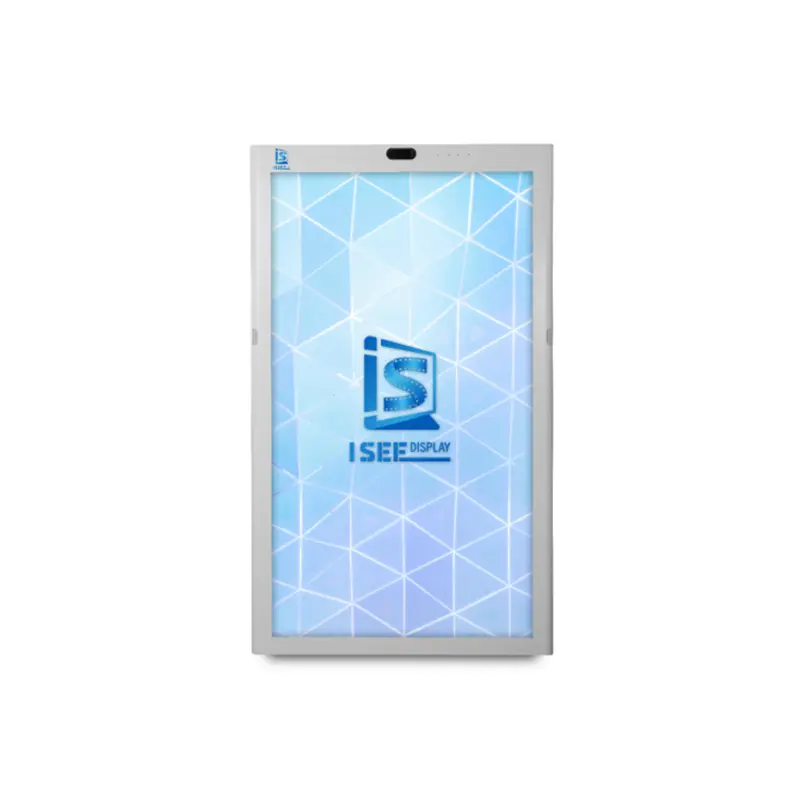
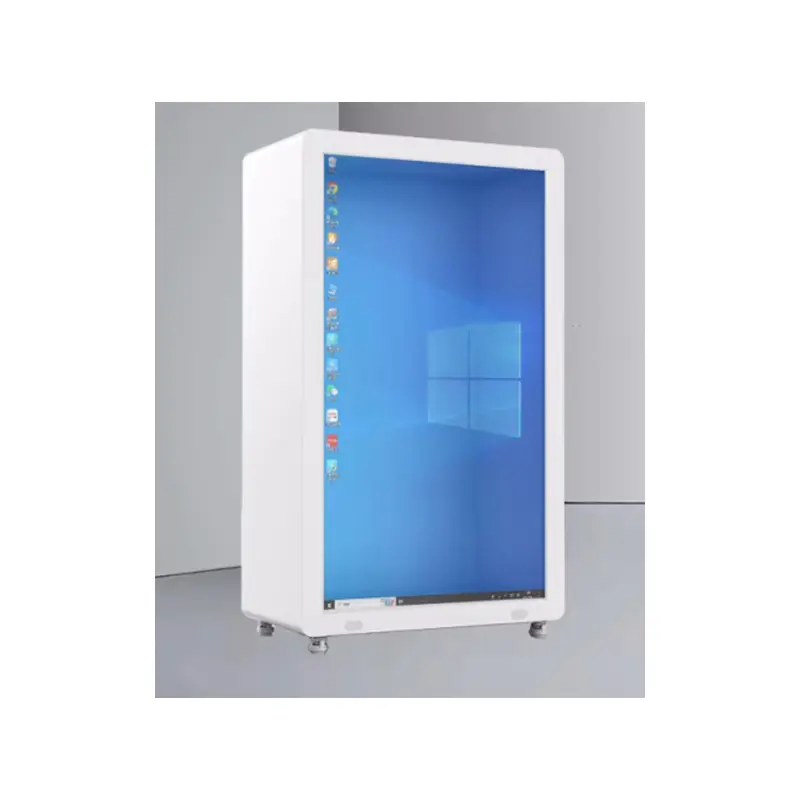
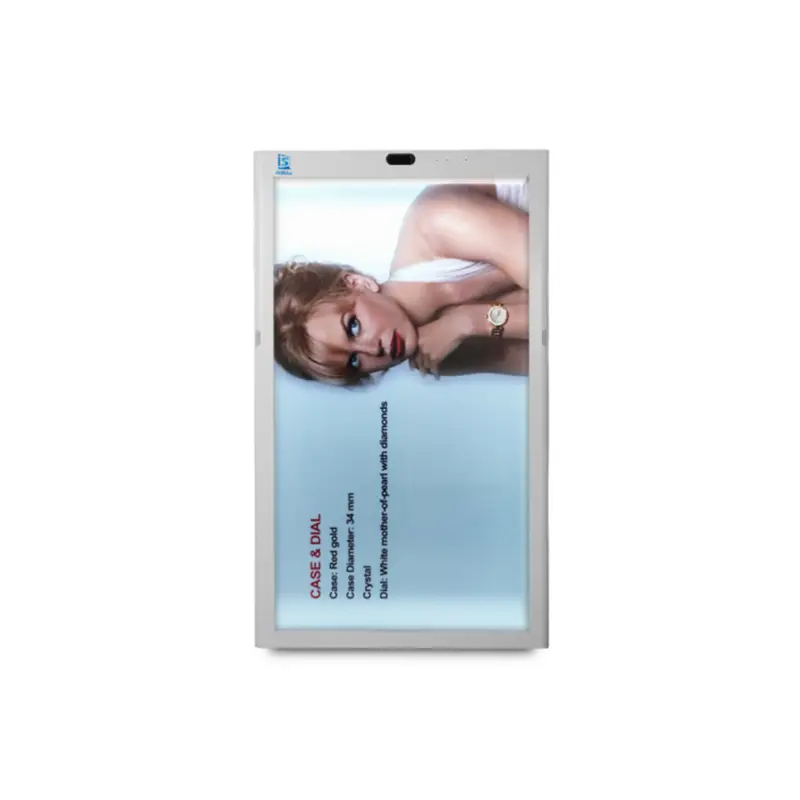
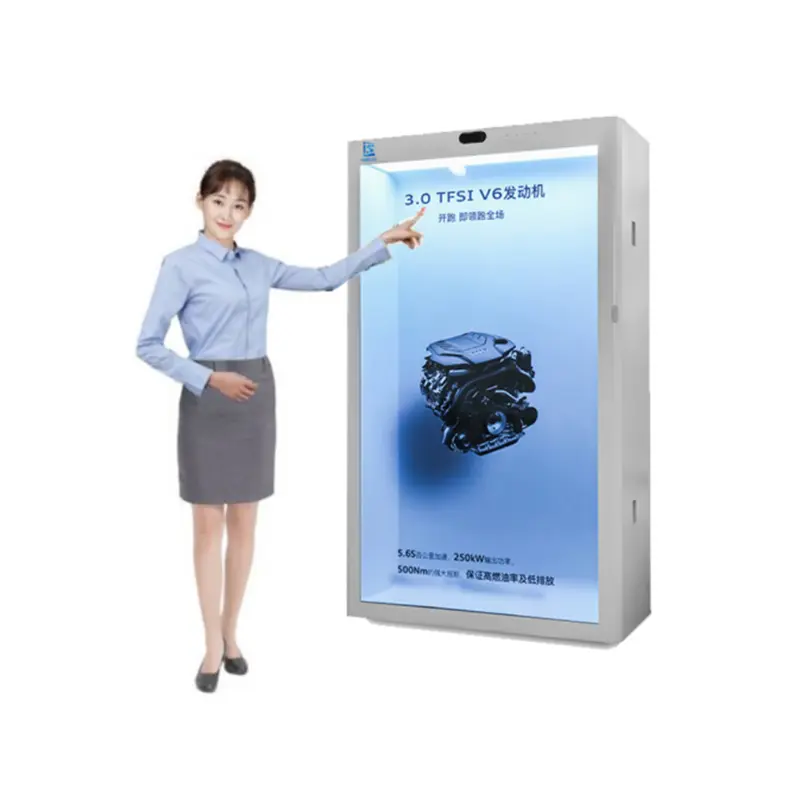
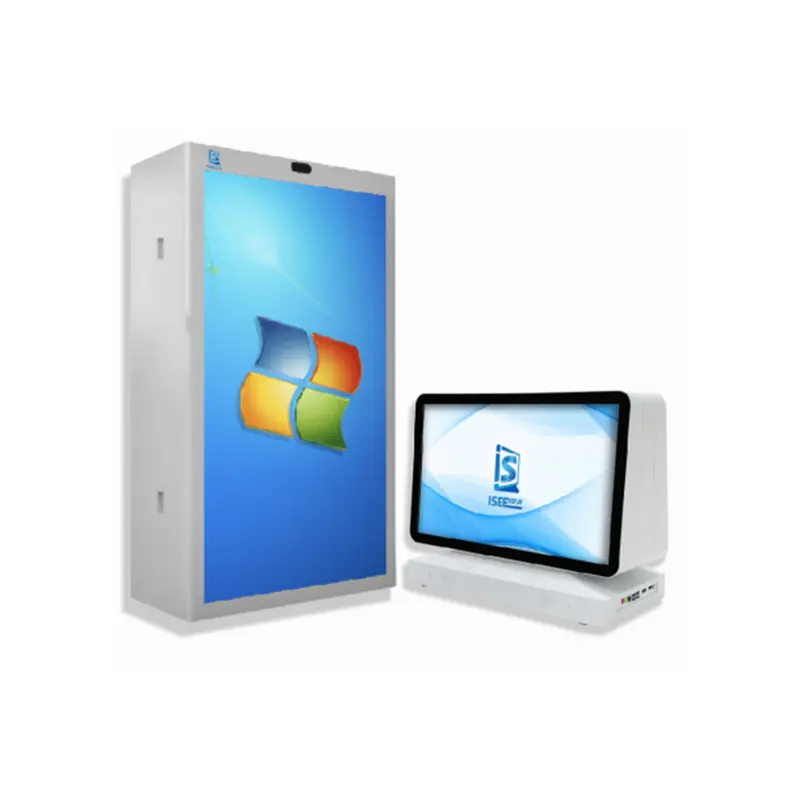
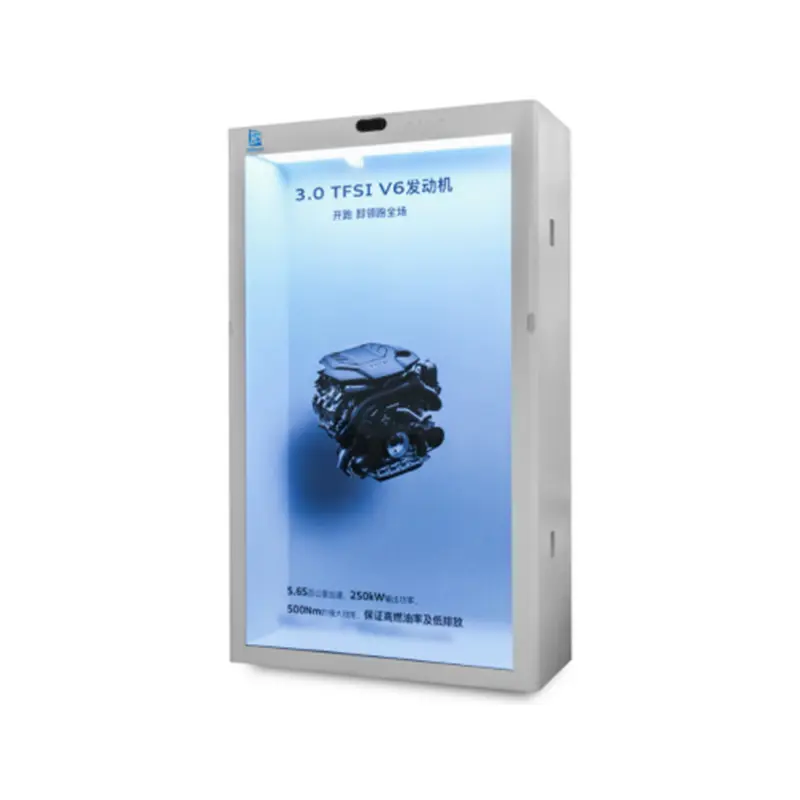
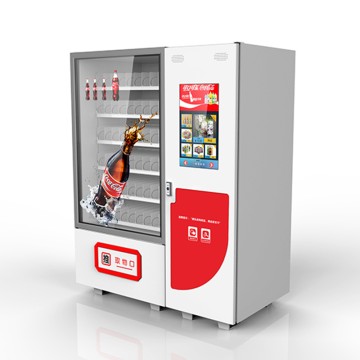
86, 75-Inch Interactive 3D Hologram Display: HD Touchscreen,Transparent Cabinet
Parameter
Panel parameters |
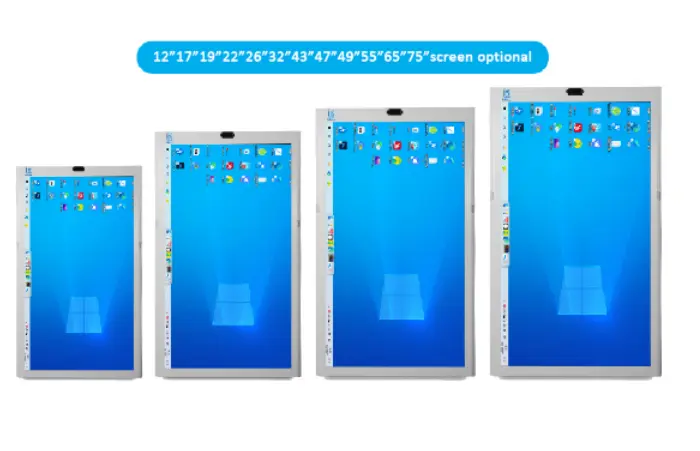
Panel Size |
75 inch |
Display Area |
1428(H)X804(V)mm |
|
Display Mode |
9:16 |
|
LCD Type |
LCD panel |
|
Max Resolution |
2160*3840 |
|
Display Color |
16.7M |
|
Brightness |
2500 cd/m²(Typ.) |
|
Contrast |
≥1000:1 |
|
Viewing Angle |
89/89/89/89(Min.)(CR≥10) |
|
Response Time |
8ms |
|
Field Frequency |
60Hz |
|
Color System |
PAL/NTSC |
|
OSD Language |
Chinese,English |
|
Computer |
System |
Win10 |
CPU |
I713700 |
|
RAM |
32G |
|
HD |
1T SSD |
|
Graphics |
RX3080XT |
Built-in Computer
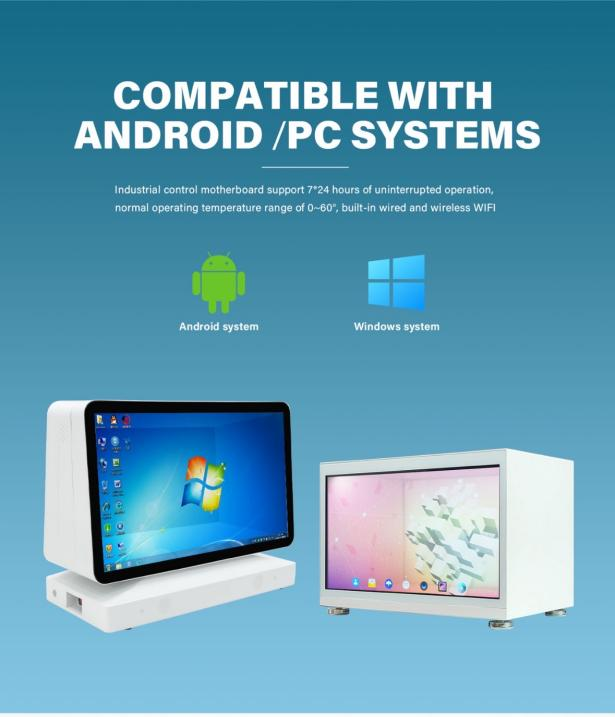
We have Windows and Android two main OS for options: Windows10/Android 9/10/11/12; NPU for AI Inference
Responsive Design
• Auto-Rotation Functionality: The device is equipped with an auto-rotation mechanism that enables smooth transitions between horizontal and vertical orientations. This feature adapts to the user's orientation preferences or physical movements of the device, ensuring a seamless user experience.
• Adaptive Interface Layouts: Implement intelligent responsive layouts that dynamically adapt to different screen orientations. This involves resizing graphical elements, repositioning interactive buttons, and optimizing the flow of content to maintain usability and visual appeal in both landscape and portrait modes.
2. User Preferences
• Orientation Lock Feature: Offer users the ability to lock the screen in their desired orientation, either horizontal or vertical. This functionality prevents unintended rotations, providing stability and control over the display layout.
• Customizable User Interface: Provide users with the flexibility to personalize the user interface for each screen orientation. This includes options to rearrange toolbars, adjust the size of interactive components, and tailor the visual elements according to individual preferences.
Built-in Computer
To optimize the 3D Bright Colors Improved Effect on a device featuring an IPS commercial screen, 4K high-definition resolution, and 10-point infrared touch control with voice and touch interaction, consider the following enhancements:
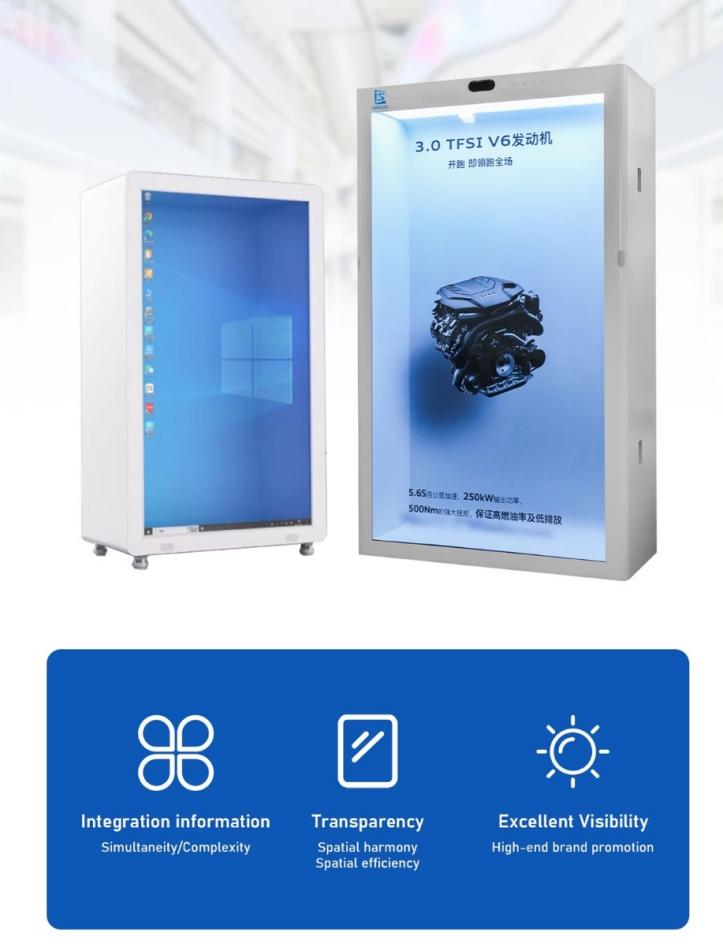
1. Display Optimization
• Color Calibration: Employ state-of-the-art color calibration instruments to achieve precise and vivid color rendering. This process ensures that colors are vibrant while maintaining natural saturation levels, thereby significantly enhancing the 3D viewing experience.
• HDR Implementation: Integrate High Dynamic Range (HDR) technology to elevate contrast ratios, brightness levels, and color depth. This enhancement makes 3D visuals more lifelike, with improved detail in both bright and dark areas of the display.
• Anti-Glare Coating Application: Coat the display surface with an anti-glare material to minimize reflections. This treatment optimizes visibility in high - ambient - light conditions, preserving the clarity and integrity of the 3D effect.
2. 3D Effect Enhancement
• Depth Perception Augmentation: Leverage sophisticated algorithms to enhance the perception of depth in 3D imagery. By fine - tuning spatial relationships and visual cues, these algorithms make on - screen objects appear more three - dimensional, creating a more immersive and realistic viewing environment.
89° Full view feast a unique visual experience
The 89° viewing angle ensures consistent image quality from all perspectives—front, side, top, and bottom—without any distortion.
Touch Interaction Optimization
• Low Latency Touch Response: Ensure the 10-point infrared touch control has minimal latency for a smooth and responsive experience, especially when interacting with 3D elements.
• Gesture Recognition: Enhance gesture recognition for both touch and voice interactions, allowing users to manipulate 3D objects intuitively (e.g., pinch-to-zoom, rotate, or swipe).
• Haptic Feedback: Integrate haptic feedback to provide tactile responses when interacting with 3D elements, enhancing the sense of touch and realism.
Safety and Durability Features
• Anti-Skid Design: Ensures stability and safety during use.
• Tempered Glass Screen: Scratch-resistant, fully tempered glass protects against scratches.
• Cold Rolled Steel Back Shell: Durable and thin, with active heat dissipation for optimal performance.
• Built-In Speaker: Internal magnetic high-fidelity speaker delivers clear, immersive sound
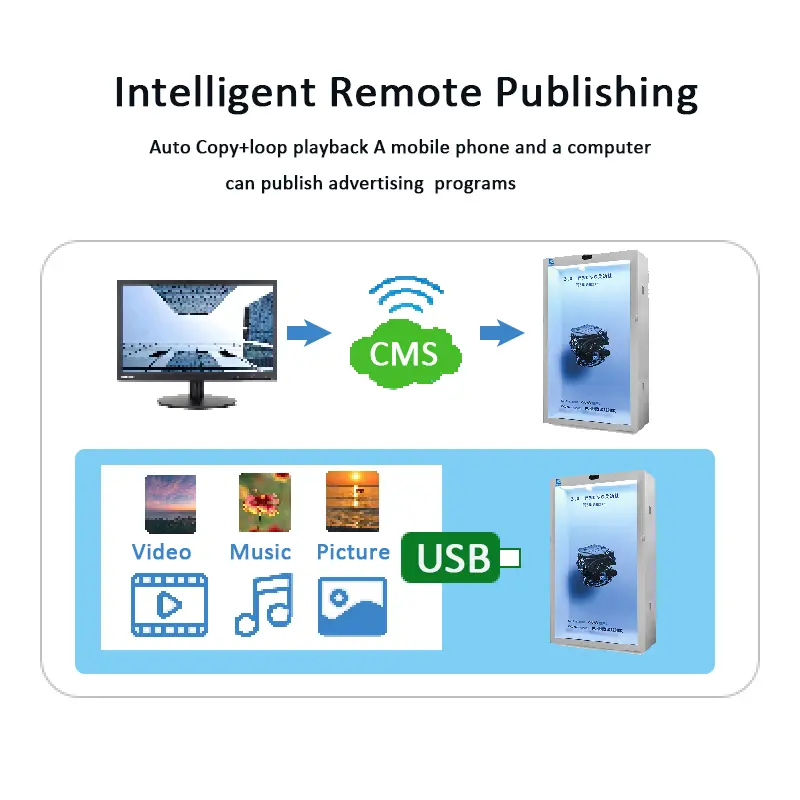
• Auto Copy + Loop Playback: Automatically copies and loops advertising content for seamless playback.
• Multi-Device Control: Manage and publish advertising programs remotely via a mobile phone or computer.
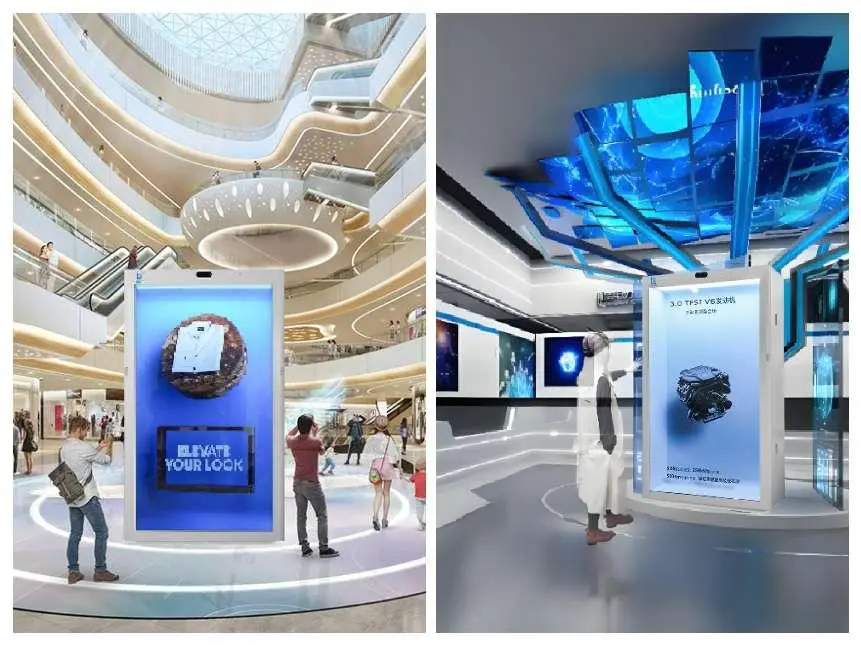
ISEE Holographic Screen Video Technology
• Thousands of Interactive Resources: Offers a vast library of entertainment options.
• Real-Time Face Changing: Features multiple built-in face-changing effects for users to apply during video recording.
• Creative Expression: Enables users to showcase their creativity and personality in real-time.
description2